02 / 07
The basic commands, installing Node and managing packages.
A terminal is the text interface where you run programs by typing. Strictly speaking, the terminal is the program that starts a shell and connects you to it; the shell is what interprets your commands. In everyday use the two words mean the same thing.1
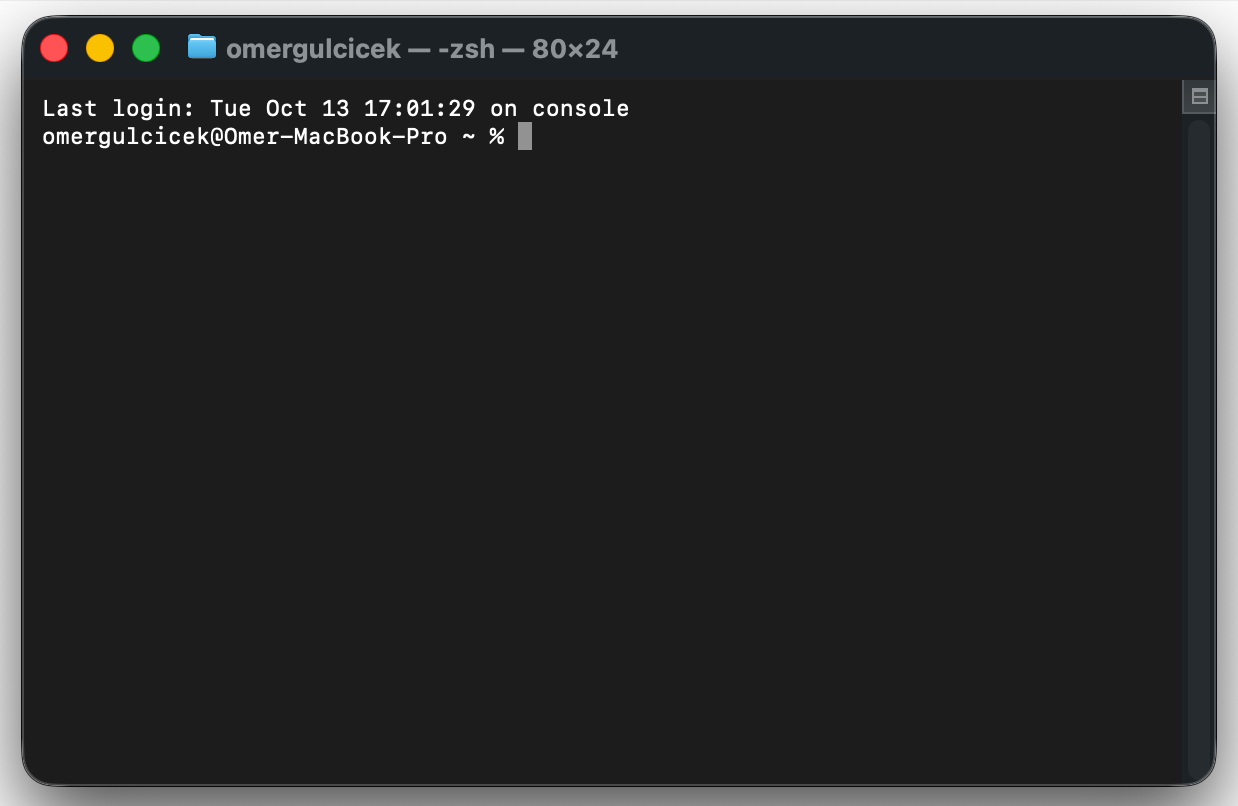
Frontend work means opening the terminal every day: installing packages, starting the development server, building and using Git.2
| System | What to use |
|---|---|
| macOS | Applications/Utilities/Terminal |
| Linux | The terminal in your applications |
| Windows | WSL (Windows Subsystem for Linux); cmd does not behave the same way as Unix commands |
MDN recommends installing WSL on Windows outright.1 The terminal built into VS Code is a good place to start as well, since you run commands without leaving the editor.2
| Command | What it does |
|---|---|
pwd | Prints which folder you are in |
ls | Lists the files in the folder (ls -la adds hidden files and detail) |
cd project | Goes into the project folder |
cd .. | Goes up one folder |
cd ~ | Goes back to your home folder |
mkdir project | Creates a folder |
touch index.html | Creates an empty file |
cp a.txt b.txt | Copies |
mv a.txt b.txt | Moves or renames |
rm a.txt | Deletes; rm -r folder deletes a folder and everything in it |
. is the folder you are in and .. is the one above it.2 Additions that start with a dash, such as -l, are flags, and they change how the command behaves; they can be combined, as in -la.12 To see how a command is used, run man ls, or --help with most tools.3
Caution
A file deleted with rm does not go to the trash and cannot be recovered. rm -r wipes a folder completely; check which folder you are in with pwd before you run it.1
Node.js is an environment that runs JavaScript outside the browser, using Chrome's V8 engine.4 Your React code runs in the browser, but Vite, Next.js, ESLint and the test tools all run on Node. Installing Node gets you npm and npx as well.1
Even-numbered Node releases become LTS (long-term support) releases. The Node.js team recommends using only LTS releases for real projects. As of October 2026 the LTS release is Node 24 and the current release is Node 26. From Node 27 on there will be one release a year, and every release will be an LTS.5
Installing Node through a version manager rather than directly is a good habit, because different projects may want different Node versions. On macOS, Linux and WSL the most common one is nvm:6
curl -o- https://raw.githubusercontent.com/nvm-sh/nvm/v0.40.7/install.sh | bash
nvm install --lts
node -v
npm -v
Write a version into an .nvmrc file at the root of the project (24, say) and nvm use switches to the right one in that folder.6 nvm does not run on Windows directly; if you are not using WSL, download the LTS installer from nodejs.org.67
npm is both a package manager and the most widely used registry of JavaScript packages. A package manager downloads, keeps and removes the code other people wrote that your project uses: its dependencies.8
Every project has a package.json at its root. It holds the project's name, its scripts and its dependencies:89
{
  "name": "virastack",
  "private": true,
  "type": "module",
  "scripts": {
    "dev": "vite",
    "build": "vite build"
  },
  "dependencies": {
    "react": "^19.3.0"
  },
  "devDependencies": {
    "vite": "^8.3.0"
  }
}dependencies: the packages your source code imports, React for instance.
devDependencies: tools you only use while developing, such as Vite, ESLint and Vitest.89
private: true: stops the project from being published to npm by accident.8
To install every package a project needs, run npm install in the project folder. To add a new package:
$ pnpm add reactAdd -D for a tool you will only use while developing, and the package is written to devDependencies:8
$ pnpm add -D viteTo run one of the commands under scripts:10
$ pnpm devScripts find the tools in the project's own node_modules folder, which is why you do not need to install Vite globally.810 To run a package once without installing it there is npx; if the package is not in the project, it asks before downloading it.11
Package versions take the form MAJOR.MINOR.PATCH. The marker in package.json decides which updates are accepted when npm install runs:128
| Syntax | Accepts | Example: for 1.0.4 |
|---|---|---|
~1.0.4 | Patch only | 1.0.x |
^1.0.4 | Minor and patch | 1.x.x, but not 2.0.0 |
1.0.4 | This version only |
npm install downloads packages into the node_modules folder and writes exactly which versions it installed into package-lock.json. As long as the lockfile does not change, everyone ends up with the same node_modules.8
pnpm is an alternative package manager that uses the same package.json and the same registry as npm.8 What differs is how it stores packages: it keeps one copy of each package version on disk and links it into projects with a hard link. Ten projects on the same React version share one copy. It also only lets a project import the packages written in its package.json; with npm you can reach for a sub-dependency you never declared.1415
ViraStack projects use pnpm. With Node installed, you can install pnpm with:16
npx get-pnpm| Task | npm | pnpm |
|---|---|---|
| Install everything | npm install | pnpm install |
| Add a package | npm install react | pnpm add react |
| Add a development tool | npm install -D vite | pnpm add -D vite |
| Run a script | npm run dev | pnpm dev |
| Run something once | npx <package> | pnpm dlx <package> |
| Lockfile | package-lock.json | pnpm-lock.yaml |
In pnpm, pnpm dev is short for pnpm run dev; it works as long as the script name does not collide with one of pnpm's own commands.1718
Warning
Use one package manager per project. If the project has a pnpm-lock.yaml, run pnpm install rather than npm install.8
To start a new React project, run Vite's setup tool. It asks for a project name and for the framework, where you pick React:19
$ pnpm create vite@latestThen go into the project folder, install the packages and start the development server:
cd virastack
pnpm install
pnpm dev
The page opens at http://localhost:5173.19 Save a file and the browser updates. When you are done, stop the server with Ctrl + C in the terminal.2
Installing a package means running code somebody else wrote on your machine. Some packages run scripts of their own while they install. Both package managers have tightened their defaults because of it:
npm 12 (July 2026) no longer runs the preinstall, install and postinstall scripts of your dependencies unless you allow it. You approve the packages you trust with npm install-scripts approve <package>, and the approval is written to the allowScripts field in package.json.20
pnpm has not run dependency install scripts since v10; the packages you allow are listed under allowBuilds. It also refuses by default to install versions published less than a day ago (minimumReleaseAge).21
Tip
If an install warns you that a package's script was skipped, approve it when you know the package, and look into it first when you do not.
The terminal for frontend developers: Josh W. Comeau's terminal guide, written for React developers.2
The shell end to end: the shell lecture from MIT's Missing Semester, on paths, $PATH, pipes and redirection, with the video.3
Package management: MDN's guide, which sets up a project from nothing with npm.8
Talk: Tally Barak on why node_modules looks the way it does, and on lockfiles, at Node Congress 2022 (9 min).22
Talk: pnpm's author Zoltan Kochan on how pnpm works, at DevOps.js Conf 2022 (31 min).15
Check the lesson's main ideas with three questions.
Your progress is stored only in this browser.
Last updated: November 3, 2026
